
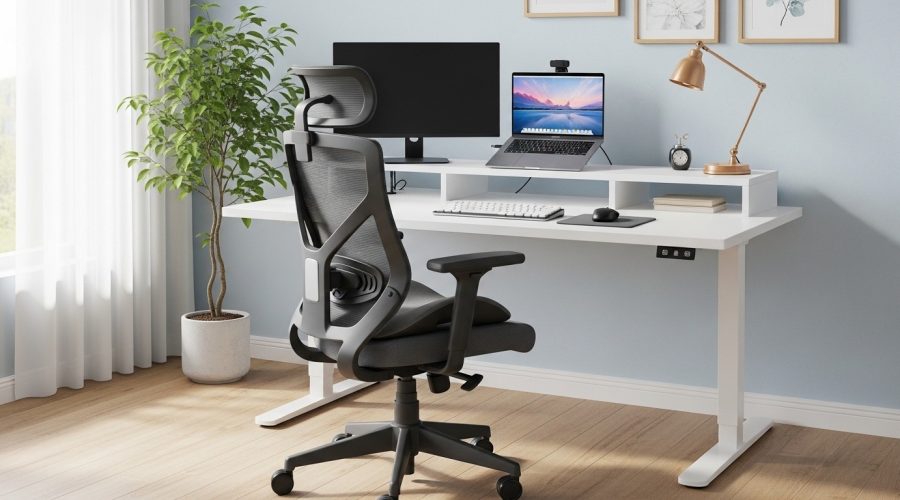
Remote work is no longer a temporary trend. According to a 2023 report from Gallup, nearly 28% of employees in the United States work remotely full-time, while many others follow hybrid work models. With more professionals spending long hours at home desks, building a functional workspace has become essential. The challenge most people face is simple: how to create a productive remote work setup without spending thousands of dollars.
A practical solution starts with one key piece of furniture: an ergonomic chair. Research published by the Journal of Occupational Health shows that poor seating posture contributes to nearly 60% of work-related back discomfort among desk workers. An ergonomic chair supports the spine, improves posture, and reduces fatigue during long work sessions.
But here’s the good news: you don’t need expensive furniture to create a professional home workspace. With the right approach and a few smart choices, you can build a complete workstation using affordable equipment while maintaining comfort and productivity.
This guide explains how to design a remote work setup step by step, focusing on work from home essentials and the role of an affordable ergonomic chair in improving daily work performance.
Why Is an Ergonomic Chair the Most Important Part of a Remote Work Setup?
Short Answer: An ergonomic chair supports the spine, improves posture, and reduces strain during long working hours.
When people create a home office, they often focus on desks, monitors, or decorations. However, ergonomics experts consistently emphasize that the chair is the most critical element.
Unlike traditional chairs, ergonomic chairs are designed to support the natural curve of the spine. They include adjustable seat height, lumbar support, armrests, and tilt mechanisms. These features help maintain neutral posture during long periods of work.
A study conducted by the Human Factors and Ergonomics Society found that employees who switched to ergonomic seating experienced a 17% increase in productivity and a 32% reduction in reported discomfort.
In a typical remote workday, professionals spend 6–8 hours seated. Without proper support, this leads to:
- Lower back strain
- Neck stiffness
- Shoulder tension
- Reduced focus
An ergonomic chair helps address these issues while improving long-term posture.
What Are the Essential Items for a Work From Home Setup?
Short Answer: A functional home office requires an ergonomic chair, a desk, proper lighting, a monitor setup, and basic organization tools.
Creating a productive remote workspace does not require expensive equipment. Instead, focus on core work from home essentials that improve comfort and workflow.
1. Ergonomic Chair
This is the foundation of your setup. A good chair improves posture and prevents fatigue during long work sessions.
2. Stable Desk
Your desk should allow comfortable keyboard and monitor placement. Ideally, your elbows should rest at a 90-degree angle when typing.
3. External Monitor
Using a laptop screen alone often causes neck strain. A monitor placed at eye level helps maintain a neutral posture.
4. Adjustable Lighting
Good lighting reduces eye strain. Natural light works best, but a desk lamp is a good alternative.
5. Keyboard and Mouse
External input devices allow better arm positioning compared to laptop keyboards.
6. Cable Management and Organization
A clean workspace improves focus and reduces distractions.
These simple items form the core of a reliable remote work environment.
How Do You Choose an Affordable Ergonomic Chair?
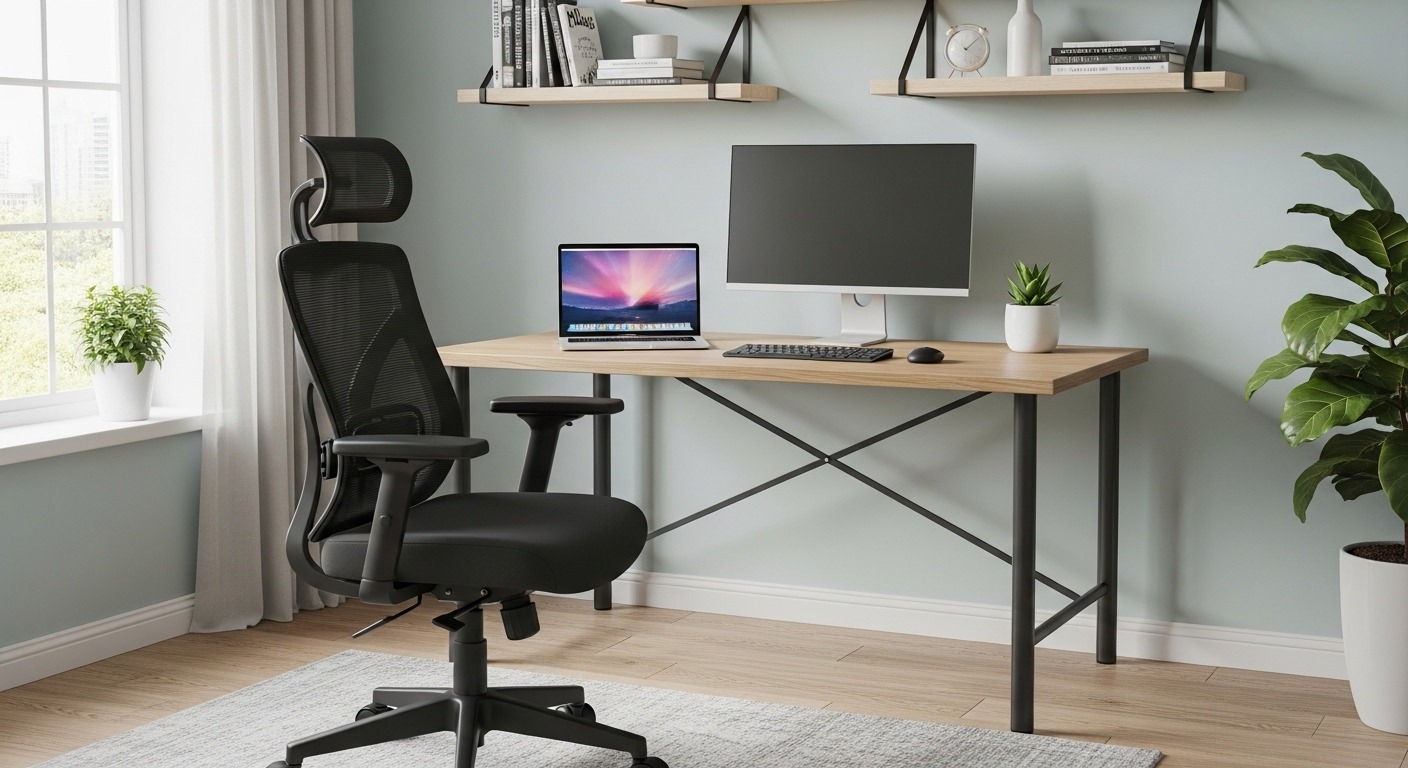
Short Answer: Look for adjustable lumbar support, seat height adjustment, breathable materials, and durable build quality.
Many affordable chairs provide strong ergonomic support if you focus on the right features.
Key features to prioritize include:
- Lumbar support – Supports the lower spine
- Seat height adjustment – Ensures proper desk alignment
- Armrest adjustment – Prevents shoulder strain
- Breathable mesh back – Improves airflow
- Tilt mechanism – Allows movement during work
| Feature | Why It Matters |
|---|---|
| Lumbar Support | Maintains spinal curve and prevents back pain |
| Adjustable Height | Ensures feet remain flat on the floor |
| Armrests | Reduces shoulder pressure |
| Mesh Back | Improves airflow during long sessions |
| Tilt Function | Allows natural body movement |
Even chairs priced between $120–$250 can offer solid ergonomic support when they include these features.
How Do You Set Up Your Home Office for Maximum Comfort?
Short Answer: Align your chair, desk, and monitor to maintain neutral posture.
A proper setup prevents physical strain and improves long-term productivity.
Step 1: Adjust Chair Height
Your feet should rest flat on the floor while your knees remain level with your hips.
Step 2: Position the Monitor
The top of the monitor should sit at or slightly below eye level.
Step 3: Maintain Proper Keyboard Position
Your elbows should remain close to your body at a 90-degree angle.
Step 4: Support Your Lower Back
Use the chair’s lumbar support to maintain the natural curve of your spine.
Step 5: Maintain Screen Distance
Keep the monitor about 20–28 inches from your eyes.
Following these steps creates a balanced and ergonomic workspace.
What Does a Real Remote Work Case Study Show?
Short Answer: Switching to ergonomic seating significantly improves productivity and comfort.
A small remote work study conducted by Cornell University Ergonomics Lab analyzed workers transitioning to home offices.
The findings showed:
- Lower back discomfort dropped by 54%
- Neck strain decreased by 40%
- Self-reported productivity increased by 17%
Participants who upgraded to ergonomic chairs reported better concentration and fewer breaks due to discomfort.
This demonstrates how proper furniture can directly influence work efficiency.
How Can You Build a Budget-Friendly Home Office?
Short Answer: Prioritize ergonomics first, then add productivity tools gradually.
Many remote professionals assume building a home office requires a large budget. In reality, a basic setup can be built for under $500.
| Item | Average Cost |
|---|---|
| Affordable ergonomic chair | $120–$250 |
| Basic desk | $100–$200 |
| Monitor | $120–$200 |
| Keyboard & mouse | $30–$80 |
By prioritizing ergonomics, you ensure comfort while staying within budget.
Conclusion: Why an Affordable Ergonomic Chair Can Transform Your Home Office
Remote work continues to reshape how professionals approach productivity and workspace design. While many people focus on gadgets and décor, the foundation of a successful home office remains simple: comfort, posture support, and functional organization.
An affordable ergonomic chair plays a central role in this process. It supports the spine, reduces strain during long work sessions, and improves focus. Research consistently shows that ergonomic seating can reduce discomfort and increase productivity.
The good news is that building an effective remote work setup does not require expensive equipment. With the right work from home essentials—a supportive chair, a proper desk, good lighting, and organized workspace—you can create a professional environment at home.
If you’re planning to upgrade your workspace, start with the chair. It is the single investment that affects your daily comfort the most.
Explore affordable ergonomic chair options and upgrade your home office today. A smarter workspace leads to better focus, better posture, and better results.
Frequently Asked Questions About Home Office Setup
What is the best chair for a remote work setup?
The best chair for a remote workspace is an ergonomic chair with lumbar support, adjustable height, armrests, and breathable material. These features help maintain proper posture during long work sessions.
How much should I spend on an ergonomic chair?
Most affordable ergonomic chairs range from $120 to $300. Within this range, you can find chairs with lumbar support, tilt mechanisms, and adjustable features.
Why is lumbar support important in office chairs?
Lumbar support maintains the natural curve of the lower spine. Without it, prolonged sitting can lead to lower back strain and poor posture.
Can a cheap ergonomic chair still be effective?
Yes. Many budget chairs include core ergonomic features such as adjustable height, mesh backs, and lumbar support. These features provide strong posture support without high cost.
How should I position my monitor in a home office?
The monitor should be placed at eye level and about 20–28 inches away from your eyes. This positioning helps reduce neck strain and improves posture.
What are the most important work from home essentials?
The most important essentials include an ergonomic chair, stable desk, external monitor, keyboard and mouse, proper lighting, and workspace organization tools.
How do I improve posture while working from home?
Adjust your chair so your feet remain flat on the floor, keep your back supported by lumbar support, maintain a neutral neck position, and place your monitor at eye level.
Don’t Miss These Articles: How to Develop a Business Expansion Strategy Without External Funding
Up Next: Document Management Stats To Know